
Operating each sales channel separately creates familiar failures: stock that differs between systems, orders that need manual re-entry, delayed shipping updates and inconsistent customer communication. Integration is a synchronization and ownership problem before it is a coding problem. A reliable project starts by deciding which system owns each field and what should happen when two updates compete.
What must stay in sync
- Products, variants and identifiers such as SKU or EAN
- Prices, promotions and channel-specific commercial rules
- Available, reserved and physical inventory quantities
- Orders, payments and fulfillment statuses
- Customer information required to complete the transaction
- Invoices, fiscal references and tracking events
Not every field needs real-time synchronization. Stock and order acceptance are usually time-sensitive, while catalog descriptions may tolerate scheduled updates. Defining that service level keeps the architecture proportional to the business risk.
Recommended integration architecture
- Choose the ERP or commerce platform as system of record for each entity
- Publish state changes through events instead of repeated full imports
- Use webhooks for near real-time updates and scheduled jobs for reconciliation
- Retry transient failures with limits and send exhausted messages to a dead-letter queue
- Centralize logs, correlation identifiers, dashboards and alerts
Every message should carry a stable event or operation identifier. Consumers store that identifier before applying a change, which makes retries safe and prevents the same paid order from being created twice. Version payloads so one channel can upgrade without silently breaking another.
A high-level order flow
When checkout confirms payment, the commerce platform records the order and emits an event. The integration validates customer, items, totals and delivery data before creating the corresponding ERP order. The ERP response is stored with the shared correlation identifier. Later events carry invoicing, dispatch and tracking status back to the store and marketplaces.
If the ERP is temporarily unavailable, the order remains visible in a pending integration state instead of disappearing. The customer receives only confirmed information, while the operations team sees the failure, retry count and action required.
Who consumes this data downstream
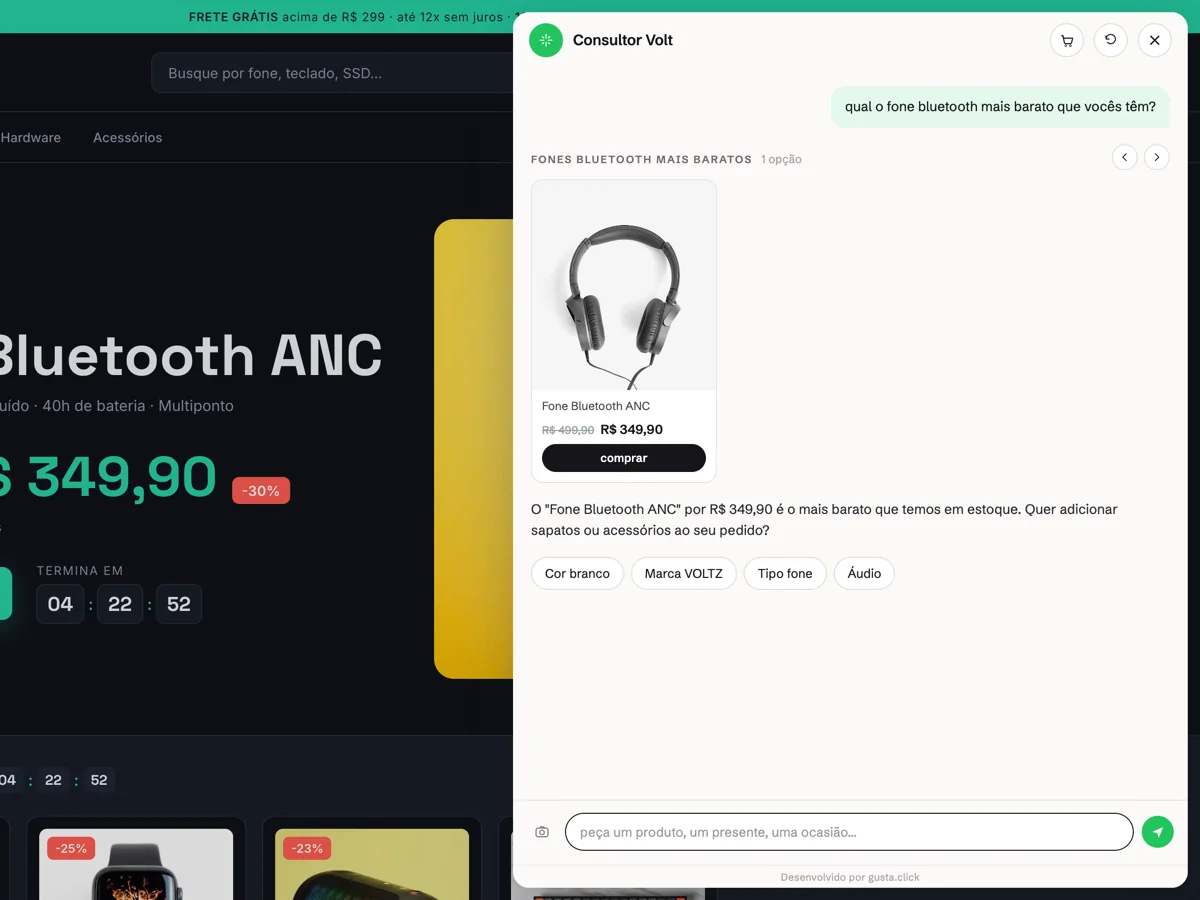
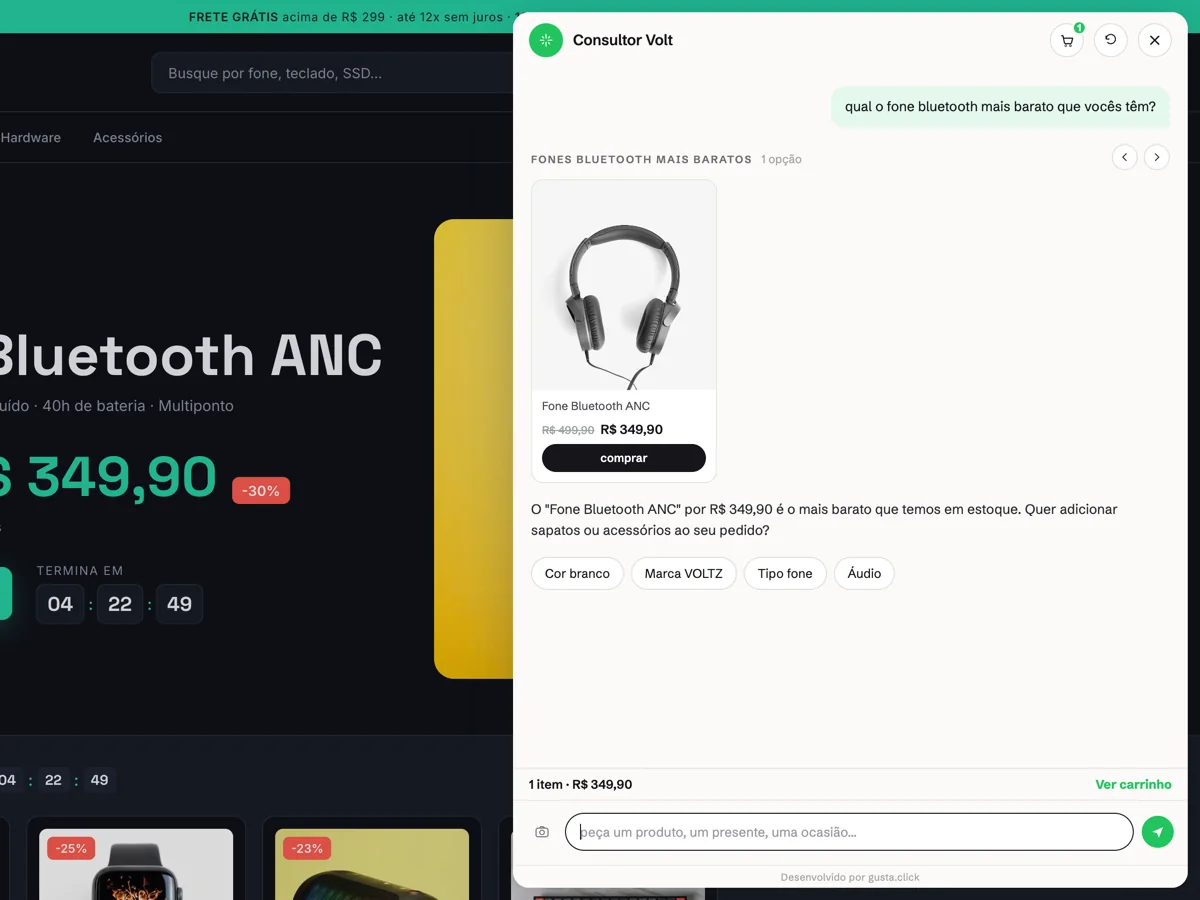
A synced catalog does not only feed the storefront. Any AI support layer reads the same base — and gets it wrong along with it. In Nola AI, the assistant that answers from a synced catalog, for example, the answer to "what is the cheapest one under $300" is a query against the synced catalog, not a guess from the model: if a stale price reached the channel, the customer hears the stale price — except now they hear it from a salesperson rather than from a listing. Treat integration as a prerequisite for any conversational automation, not as a parallel project.
Common integration mistakes
- Missing idempotency, resulting in duplicate orders or status transitions
- Treating the latest arrival as truth without checking event version or timestamp
- Weak payload contracts and uncoordinated field changes
- Webhooks without authentication, timeout or retry strategy
- No reconciliation job to detect events that were never delivered
- Logs that cannot connect one order across all participating systems
Preventing overselling
Decide where inventory is reserved and when that reservation expires. Marketplaces should receive the available-to-sell quantity, not necessarily the physical warehouse total. During checkout, reject or queue orders whose stock cannot be confirmed rather than accepting them optimistically. Run reconciliation frequently enough to detect divergence and alert the team before it becomes a pattern.
Monitoring and operational ownership
Track synchronization latency, retry volume, dead-letter messages, stock divergence and orders waiting beyond their service level. Each alert needs an owner and a documented recovery action. A dashboard without a response process only makes failures more visible; it does not make the integration reliable.
Safe migration plan
Use a phased rollout. Begin with read-only comparison between the existing process and the new integration. Enable writes for one entity or channel, validate totals and status transitions, and then expand gradually. Keep a rollback path for every stage and avoid switching catalog, stock and orders simultaneously. Historical reconciliation after each phase confirms that the new flow did not lose or duplicate records. Once the flow is stable, map what can run on its own: 9 ecommerce processes you can automate with AI.
Technical checklist
- Ownership and service level documented per field
- Authenticated, versioned contracts
- Idempotency and retry behavior tested
- Reconciliation and dead-letter recovery implemented
- Production alerts linked to responsible people
- Rollback rehearsed before full automation
CTA
If your channels are disconnected, request a technical architecture review at Contact.
Comments
No comments yet. Be the first to comment.