
The problem is not WooCommerce, it is the search
Try this on your own store. Type "a gift for my mother under 150" into the search box and look at what comes back. In most Woo stores we open, nothing comes back, because no product carries that phrase in its title and default search matches words, not intent.
The visitor does not rephrase. They go back to Google, and Google hands them to a competitor.
That is the specific part a chatbot for WooCommerce fixes: understanding the request the way the shopper wrote it and answering with what exists and is in stock. Below, how that works, how the assistant gets into WordPress and, above all, what it cannot do on that platform.
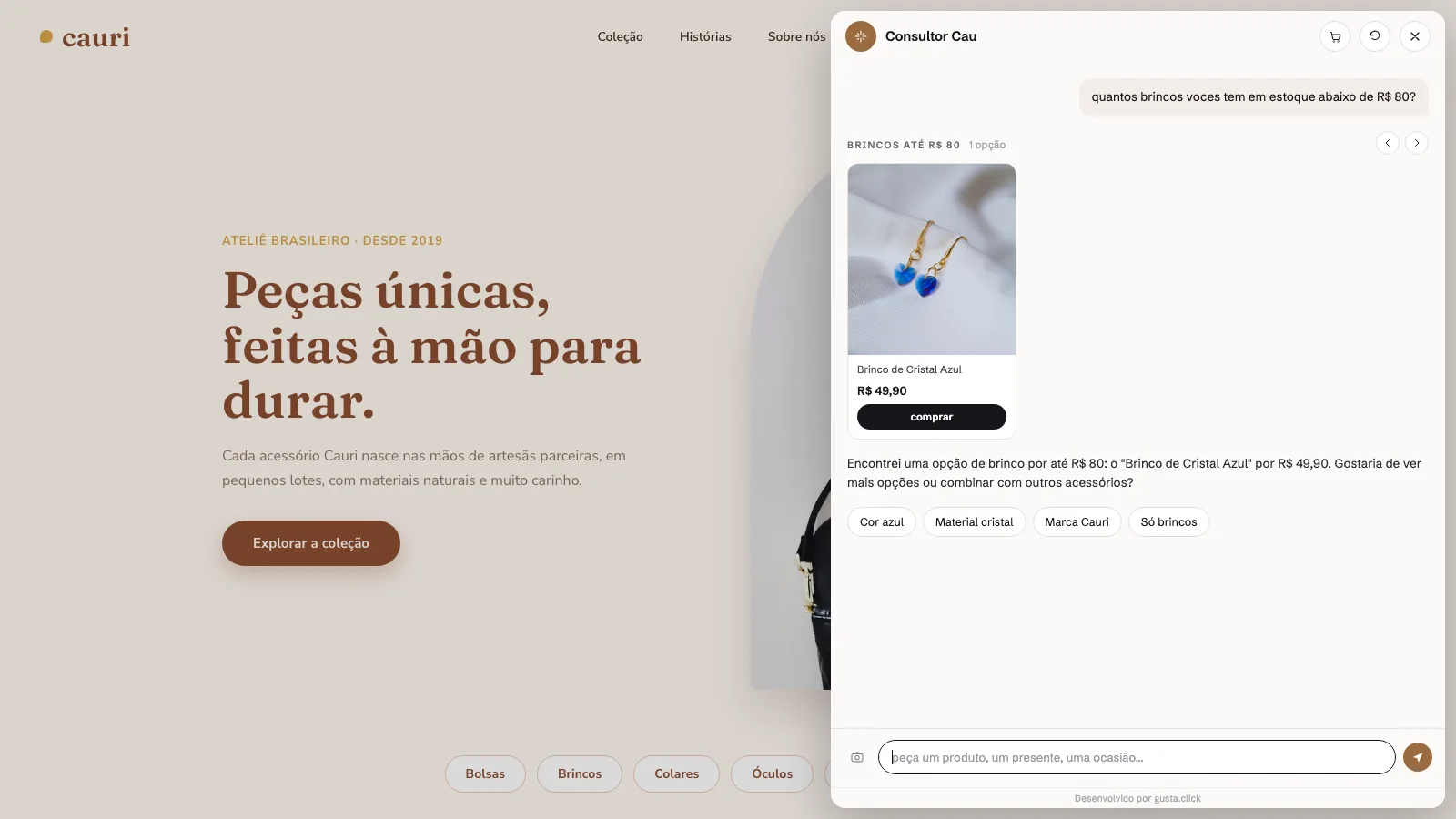
What a chatbot has to read from your store
A generic website chatbot answers text. A store chatbot has to answer with the product. To do that it has to read, at minimum:
- title, description and category for every product;
- price, including sale price;
- stock and variants such as size and colour;
- image and product page link.
Without that, the conversation is a FAQ dressed as a chat. With it, questions like "which is the cheapest", "anything under 300" or "do you have it in blue" become catalog queries, and the answer is exact instead of approximate.
Plugin or script? The difference that matters on WordPress
Almost every WordPress chat tool arrives as a plugin. It solves installation in two clicks and creates a quiet debt: one more plugin to update, to re-test on every new Woo release, and to suspect first when the site goes down on a Friday night.
The alternative is a script. The assistant goes in as one line in the footer, runs in the visitor browser and talks to an API that lives off your server. Nothing gets written into your WordPress.
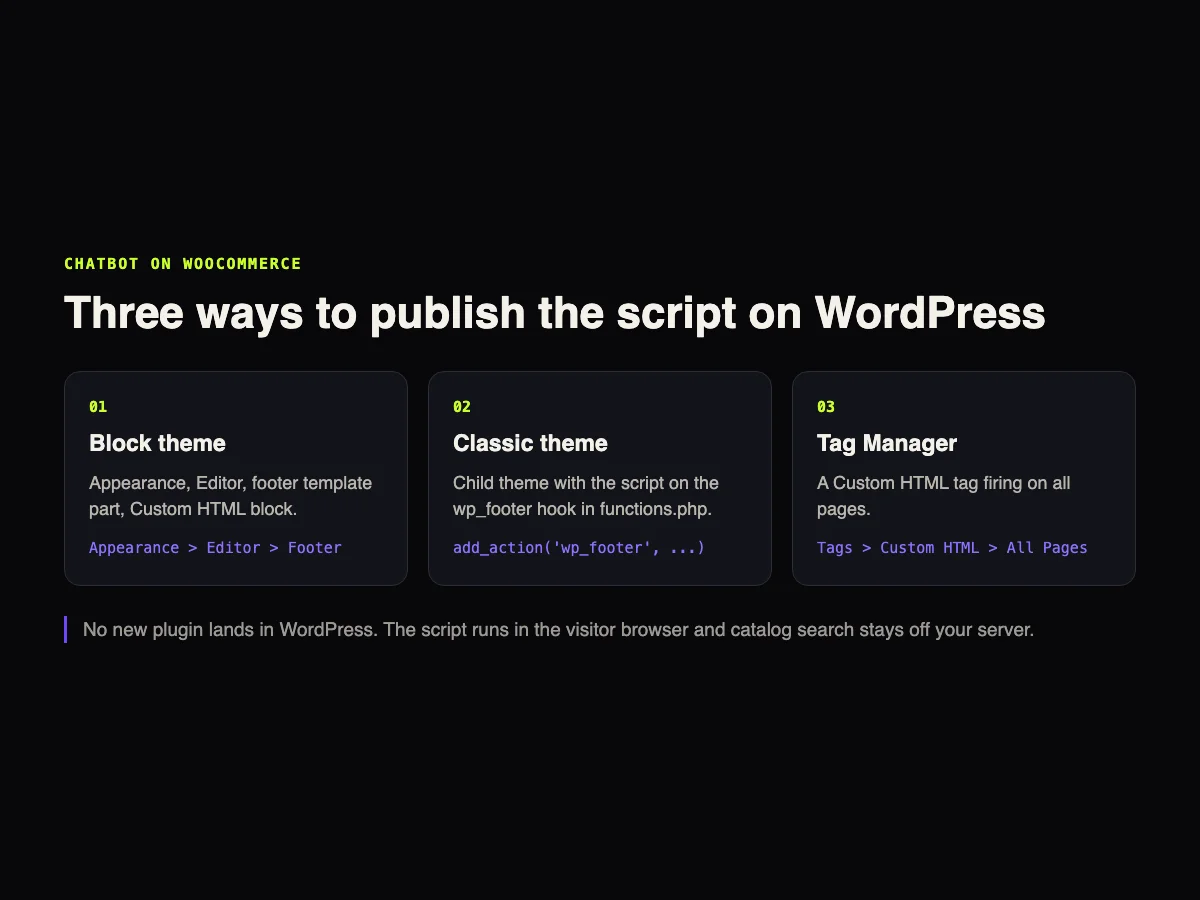
This is the snippet format for Nola AI, the sales assistant GUSTA builds:
<script async src="https://chat.gusta.click/widget.js"
  data-bot-id="YOUR_BOT_ID"
  data-token="YOUR_TOKEN"></script>
The step by step for each route, including the caching plugins that delay JavaScript, is in the guide on how to add an AI chatbot to your website.
How Nola AI connects to WooCommerce
The catalog connection is set up in the dashboard, with read-only permission on products and stock. From there:
- The sync runs in the background. Price, stock, variants and images land in the assistant's base.
- Price and quantity questions become real queries. It is not similar-text search, so the number is right.
- The cart is built inside the conversation and the visitor moves to your own Woo checkout.
- Human support has a queue, configurable business hours and WhatsApp as the exit after hours.
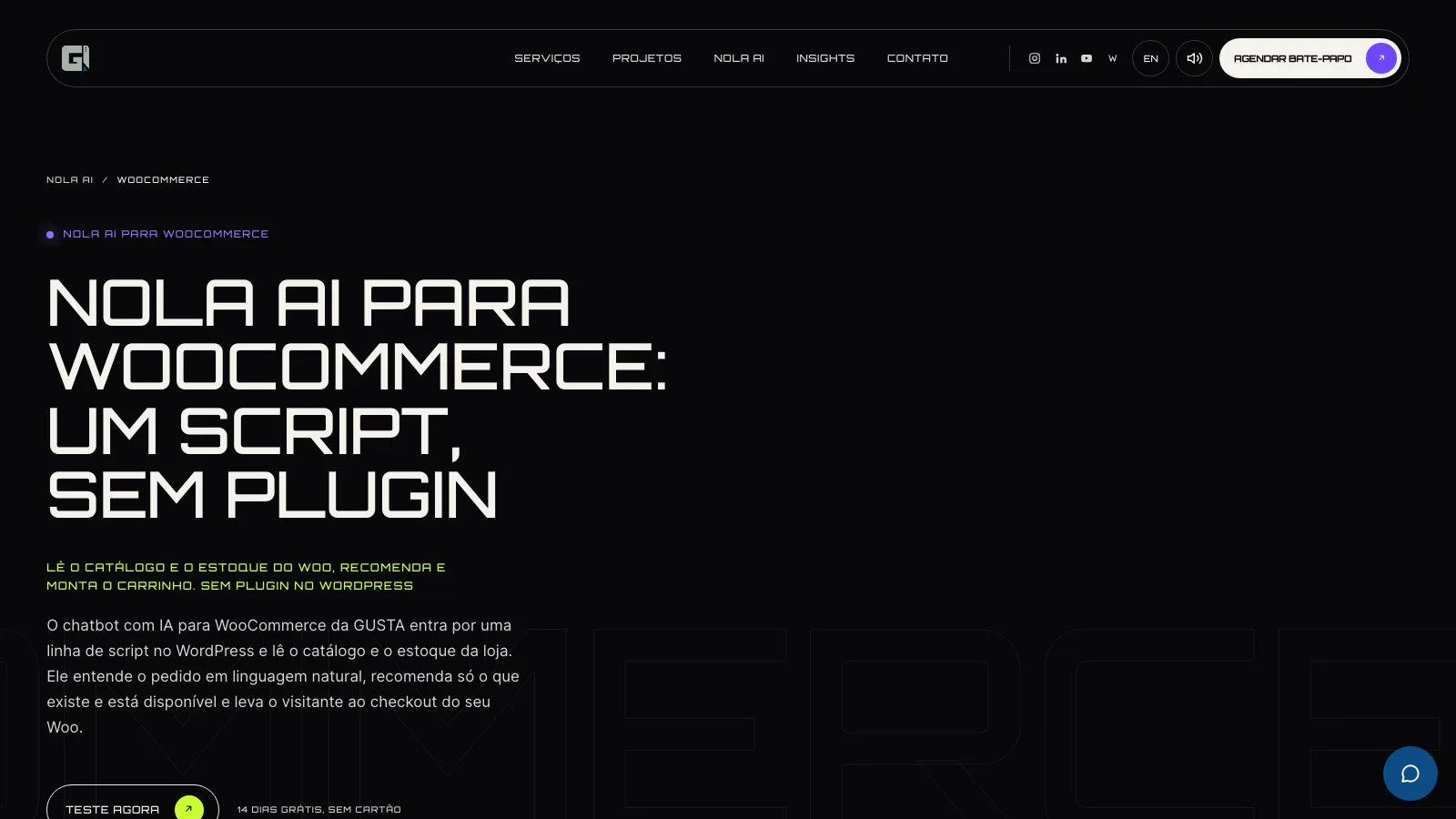
What it does not do on Woo
Worth being explicit, because in other tools this usually surfaces after signing:
- It writes nothing to WordPress. No product, price, stock level or order is created or edited.
- It does not look up customer orders. On WooCommerce the app does not request read access to orders or customer records. An order in progress goes to a person.
- It does not quote live shipping. Shipping and delivery times come from your published policies. Live quotes inside the chat exist today on VTEX.
- It does not process payments. Checkout stays on your Woo store.
That split between what the machine solves and what needs people is covered in the article on human vs AI agents.
When the case calls for development, not a subscription
Not every Woo store needs a custom system, but some do. Customer-specific pricing rules, a catalog coming from an ERP with non-standard fields, an approval step before the order: none of that fits an off-the-shelf tool. That is the subject of our article on custom WooCommerce plugins and, at a larger scope, of the piece on custom AI solutions for business.
Performance: what the script does to your store
An older WooCommerce store usually carries dozens of plugins and already struggles on PageSpeed. Three points about that:
- The script loads asynchronously. It does not block page rendering.
- The heavy work runs off your server. Catalog search, answer generation, dashboard and history run on GUSTA infrastructure.
- Watch the optimization plugins. WP Rocket, Autoptimize and LiteSpeed Cache can delay JavaScript until the first click. Add the script domain to the exclusion list.
Measure PageSpeed Insights before and after. If it got worse, it is almost always a caching rule getting in the way, not the assistant.
What it costs
Nola AI bills per conversation, and only counts conversations where the visitor actually engaged. The trial lasts 14 days and needs no card. To compare with the rest of the market, including per-seat and per-resolution pricing, the price survey is in how much an AI chatbot costs.
Frequently asked questions
Do I need to install a WordPress plugin?
No. The assistant loads from one line of script on the site, the same way you publish any other tag. There is no plugin to install, update or re-test on every new WooCommerce release.
Does it touch the store database?
No. Permission is read-only on products and stock, and nothing is written back to WordPress. Checkout stays on your Woo store.
Does it work with variable products, with size and colour?
It does. Variants come in with price and stock during the sync, so the assistant answers per variant instead of sending the visitor to check the product page.
What if a product is out of stock?
It will not recommend it. When it has to loosen a filter to find an alternative, it says so instead of pretending it found what you asked for.
Can I remove it later?
Yes. Take the script line off the site and disconnect the store in the dashboard, and that is it. Your store data is deleted within 30 days.
CTA
Does your Woo store have a big catalog and a small team? Nola AI comes with a 14-day free trial, no card, and the Nola AI for WooCommerce page spells out exactly what it reads from your store. If your case calls for custom development, talk to GUSTA.
Comments
No comments yet. Be the first to comment.