
A custom WooCommerce plugin is an extension your team owns, written for one business rule the store depends on and no off-the-shelf plugin covers. Stacking another ready-made plugin on top of that rule adds conflicting hooks, duplicated data and an update path nobody fully controls, which is why a focused custom plugin is often the safer middle path between fragile workarounds and rebuilding the entire store.
Why ready plugins reach their limits
The warning sign is not the number of installed plugins by itself. The real question is whether a critical business rule is scattered across settings and manual procedures. Common triggers include:
- Pricing logic with customer, volume, category or channel exceptions
- Checkout steps that depend on unique logistics or validation rules
- Deep ERP integration where order and stock failures have financial impact
- Product configuration that goes beyond standard variations
- Customer areas with specialized permissions, documents or workflows
Before developing anything, verify whether an existing extension covers the requirement without changing the core process. Custom code is justified when the gap is recurring, measurable and central to the operation.
What a custom plugin can implement
Special pricing rules
A plugin can calculate price from customer group, quantity, recurrence or commercial event while keeping the rule in one tested service. The displayed price, cart calculation and final order must all use the same source to avoid discrepancies.
A business-specific checkout
Custom validations can collect required information, restrict incompatible options or select a logistics flow. The implementation should extend WooCommerce's supported hooks rather than replacing checkout behavior with changes that break on the next update.
ERP synchronization
Events can send SKU, order, invoice and stock changes to an integration layer. Idempotency keys, retry rules and reconciliation jobs are essential because webhooks can arrive twice, late or out of order.
Order automation
A controlled workflow can update status, notify the responsible team and create back-office tasks. Every automated transition should be traceable and safe to retry.
Customize an existing plugin or build a new one?
Customize an existing extension when its data model and main workflow already match the business, the vendor exposes supported hooks, and the missing behavior is small. Build a dedicated plugin when the rule is strategic, changes frequently, needs independent releases or must integrate several systems. Avoid editing vendor files directly: those changes are difficult to test and disappear during upgrades.
A new plugin does not mean replacing WooCommerce. It should own only the business capability that needs a clear boundary, while continuing to use the platform for catalog, orders, payments and the functions it already handles well. When the rules outgrow WooCommerce itself, weigh it against a custom ecommerce built around your own business logic.
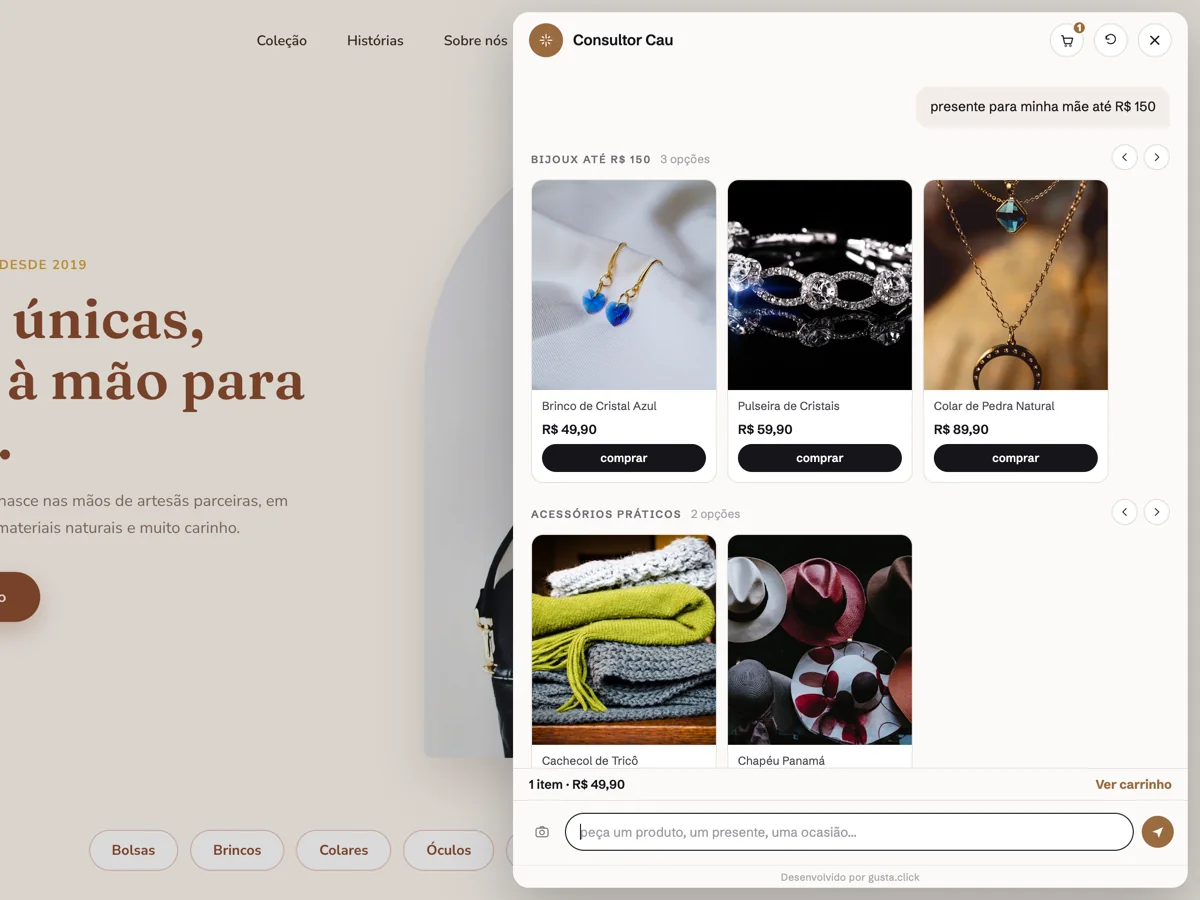
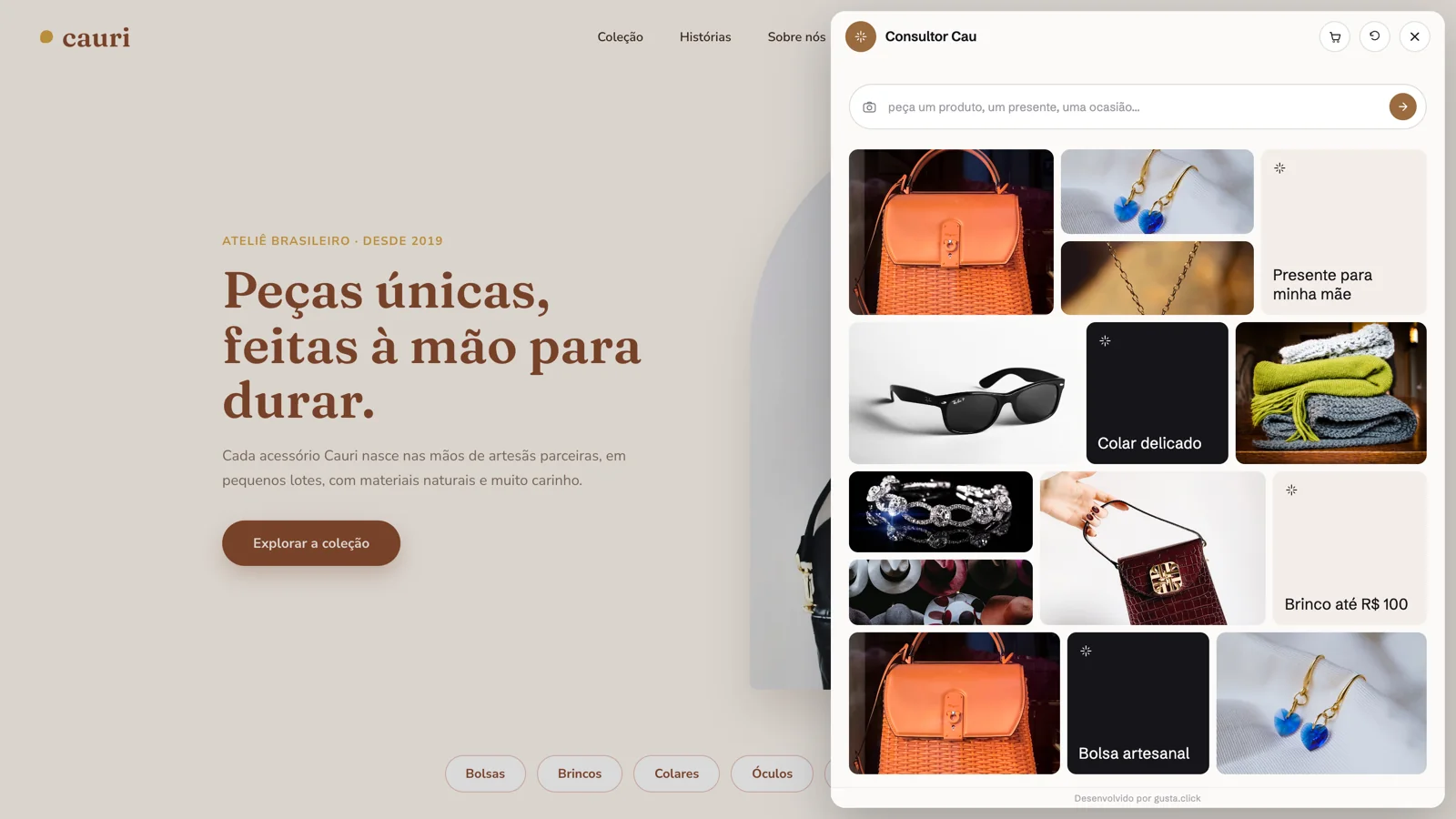
There is also a third answer: do not build it. A good share of what teams ask a plugin to do is support, not business logic. Answering product questions, recommending items from the catalog and assembling a cart already ship with Nola AI, an AI sales assistant for WooCommerce, which connects to WooCommerce, syncs the catalog and installs with a script tag. Save the custom plugin for the rules that are genuinely specific to your operation.
Security, performance and compatibility guardrails
- Validate and authorize every input, including admin and API requests
- Protect state-changing actions with nonces or authenticated endpoints
- Keep audit logs and operational error monitoring
- Test supported PHP, WordPress and WooCommerce versions
- Measure database queries and checkout performance
- Provide migrations, versioned releases and a rollback path
- Run regression tests before platform or payment updatesKeeping that cycle alive after launch is ongoing work, as in the Vixting case: ongoing support for a live WordPress operation.
How to define the scope
Start by mapping the rule, its exceptions and the systems that own each field. Rank requirements by financial or operational impact, define the smallest complete workflow, and document acceptance examples before coding. A short discovery phase should result in a boundary diagram, data contract, failure strategy and rollout plan. This prevents a custom plugin from becoming a second, undocumented commerce platform inside WordPress.
If what you need is support and recommendation on top of the catalog, rather than new business rules, the answer is usually different: see chatbot for WooCommerce.
CTA
If you need a specific functionality roadmap for WooCommerce, request a functionality analysis at Contact.
Comments
No comments yet. Be the first to comment.